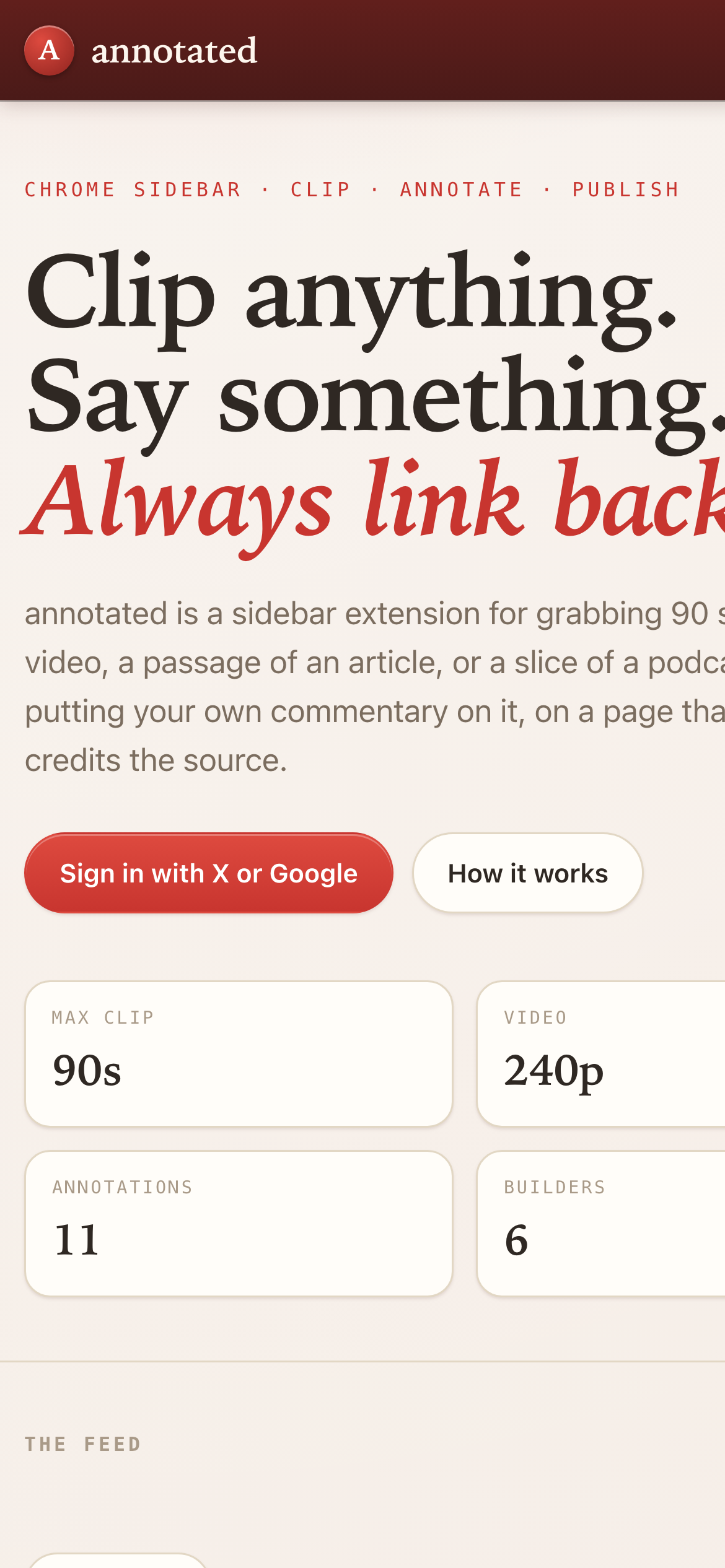
Chrome sidebar · clip · annotate · publish
Clip anything.
Say something.
Always link back.
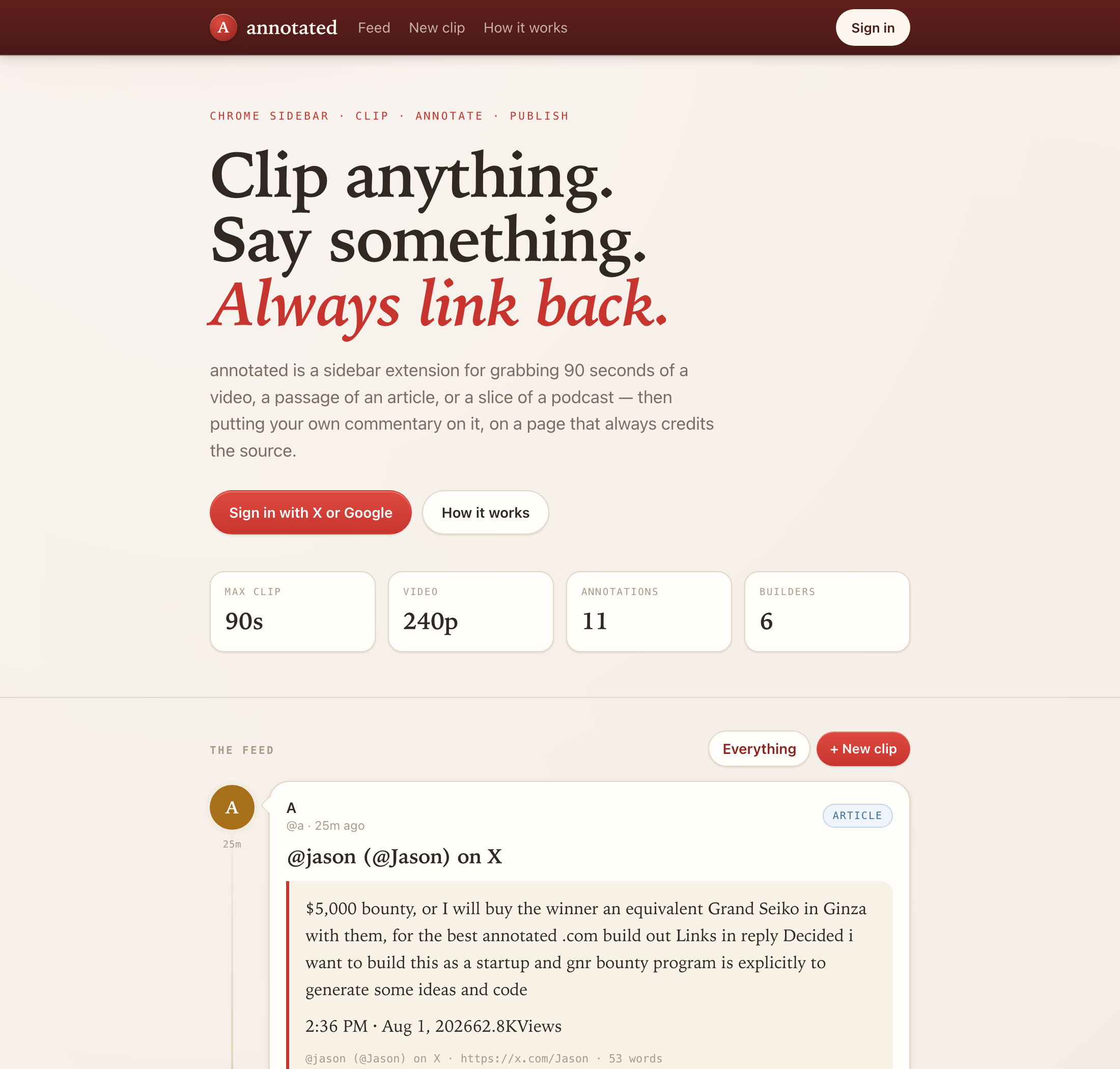
annotated is a Chrome sidebar extension for grabbing 90 seconds of a video, a passage of an article, or a slice of a podcast — then putting your own commentary on it, on a public page that always credits and links the source, and always lets the rights holder object.
- Max clip
- 90s
- Video
- 240p
- Sources
- 3
- Tests
- 13
What it is
Built to the annotated.com bounty spec. The sidebar is the product; the website is where the annotations live.
The sidebar does the picking
Open the panel on any page. It works out whether you are looking at a YouTube video, an article or a podcast, reads the video's playhead for your in and out points, or grabs the text you highlighted.
The server does the cutting
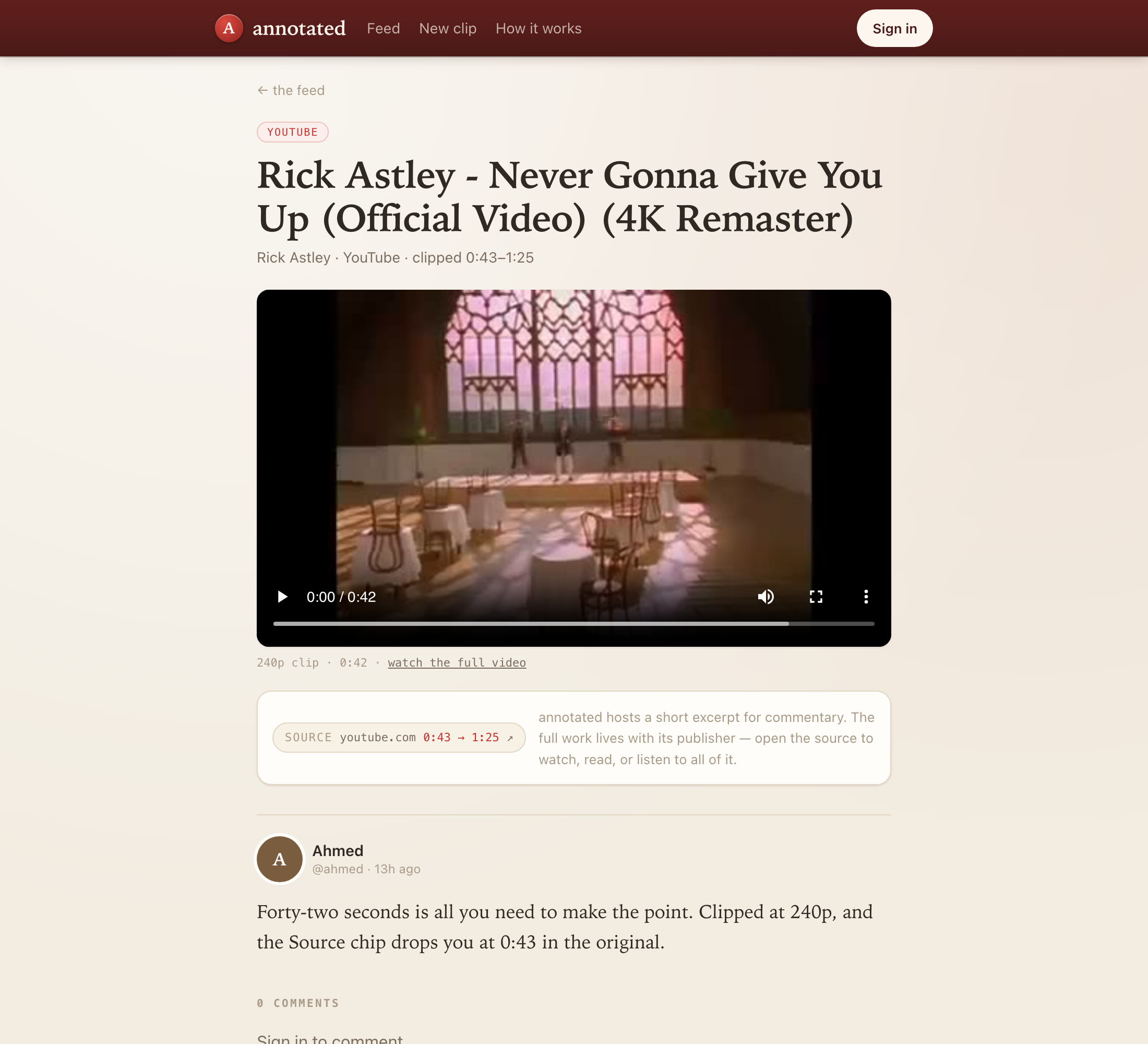
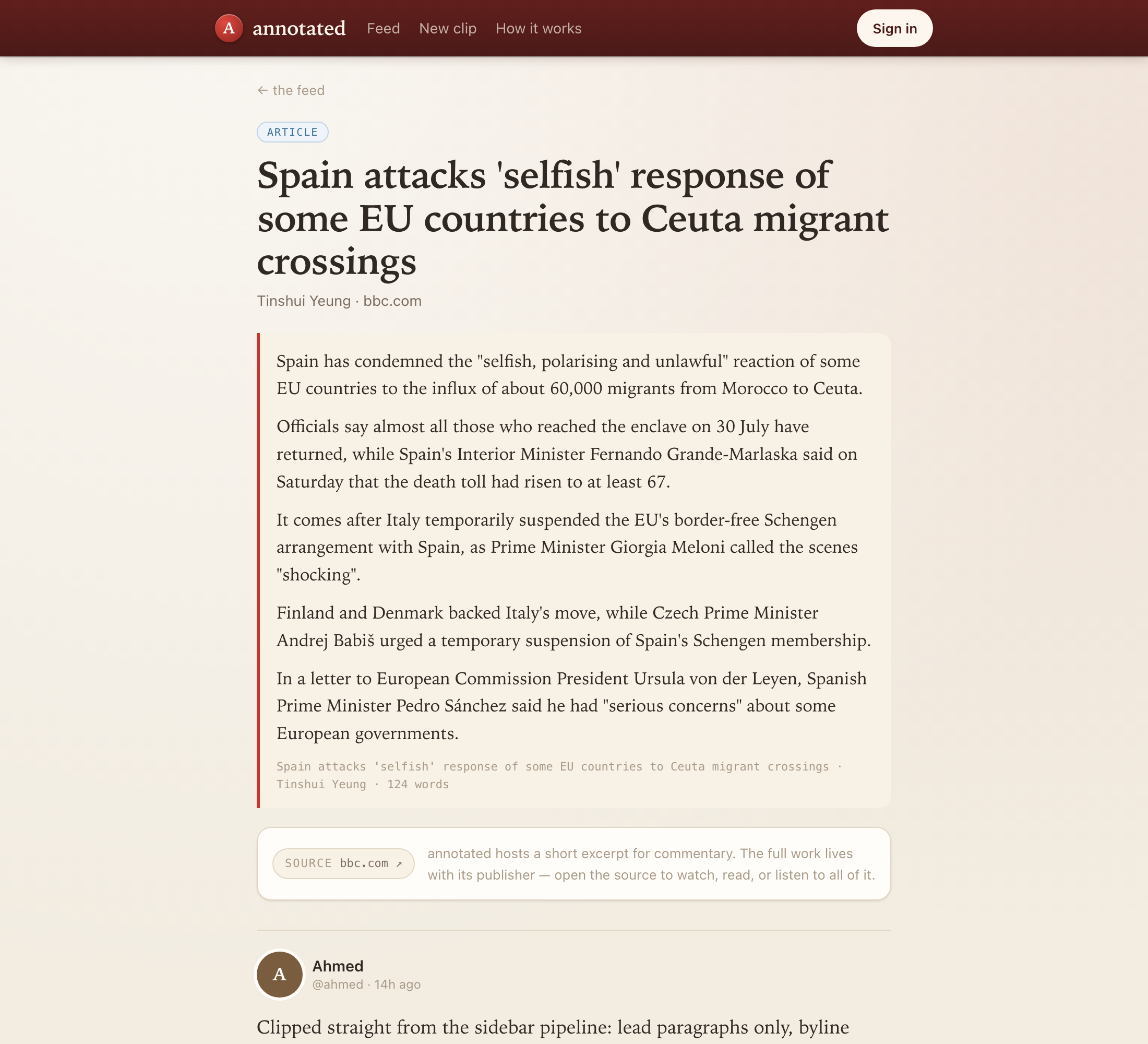
yt-dlp pulls just the requested range, ffmpeg re-encodes it down to 240p. Articles go through Readability. Podcasts get a ≤90s mono AAC segment.
The page does the crediting
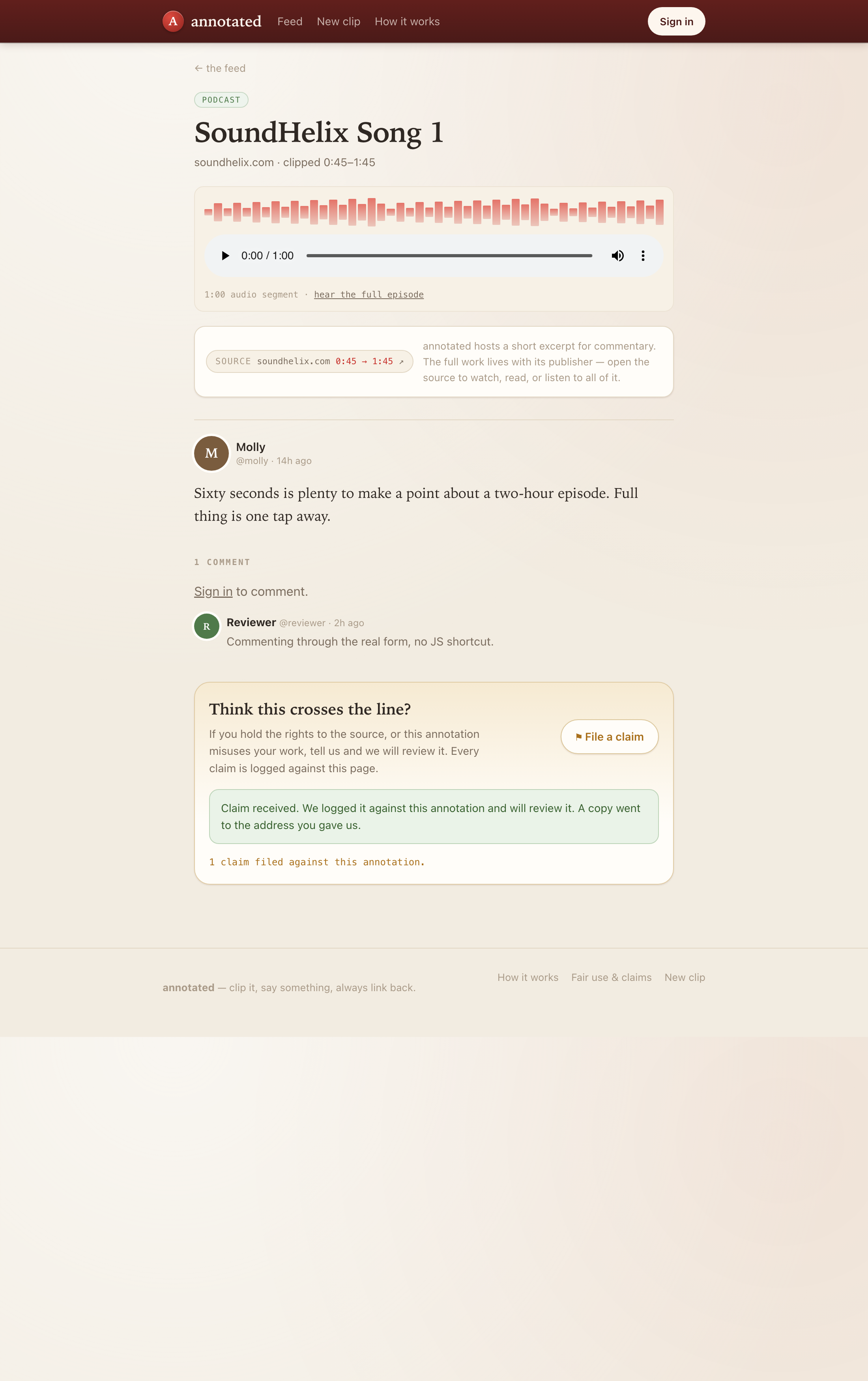
Every annotation gets a public landing page carrying your commentary, a link back to the source at the exact timestamp, and a "File a claim" button for whoever owns it.
The limits are the point
- 90 seconds — enforced on the server, so no client can talk it past the ceiling.
- 240p — video is re-encoded down. annotated is for commentary, not for watching.
- Always linked — no clip exists without its source URL, deep-linked to the timestamp.
- Always disputable — every annotation page carries a claim button that works without JavaScript.
Spec checklist
| Requirement | Status | Evidence |
|---|---|---|
| Max clip size: 90 seconds | pass | Asked the API for 300s; server returned 90s. |
| Video downgraded to 240px (< 480p) | pass | 4K source encoded to 426×240. |
| Every clip links back to its source URL | pass | All annotations checked, 0 failures. |
| Visible "File a claim" on every annotation | pass | Button + form, works with JavaScript off. |
| Account creation via X or Google only | pass | Real OAuth2, X with PKCE. The local dev sign-in returns 403 the moment a provider is configured. |
| Public feed with follow + comment | pass | Cursor-paginated feed, driven through the UI. |
| Commentary supports text and recorded audio | pass | Audio-only and text+audio both publish; duration probed server-side. |
| Sidebar Chrome extension is the primary surface | built | MV3 side panel, content script, service worker, pairing flow. Load it unpacked to try it — it has not been run in a packaged release. |
What it looks like
Run the real thing
The demo on this site is browser-only. The full build needs a server — that is where the clipping actually happens.
# needs node 20+, ffmpeg and yt-dlp
brew install ffmpeg yt-dlp
git clone https://github.com/alsayadi/annotated.git
cd annotated
npm install
npm run doctor   # checks binaries, auth and YouTube reachability
npm run seed     # fills the feed by really clipping two sources
npm start        # http://localhost:4000
Then the sidebar
- Open
chrome://extensions, turn on Developer mode. - Load unpacked → pick the
extension/folder. - Pin annotated, click it on any page, hit Connect account.
Known limits
- Claims are recorded and an upheld one hides the annotation everywhere, but there is no moderator UI — flipping that flag is a SQL update today.
- Clipping runs inline on the request. A real deployment wants a job queue.
- Media is served off local disk; point it at object storage before this sees traffic.
- YouTube gates some videos against anonymous servers.
npm run setup:youtubehandles bot-check throttling;npm run youtube:loginhandles the gated ones.